Creating an ePermits account
1. Navigate to the ePermits Public Portal:
https://co-catawba-nc.smartgovcommunity.com/Public/Home
2. Click on Sign Up in the top right.
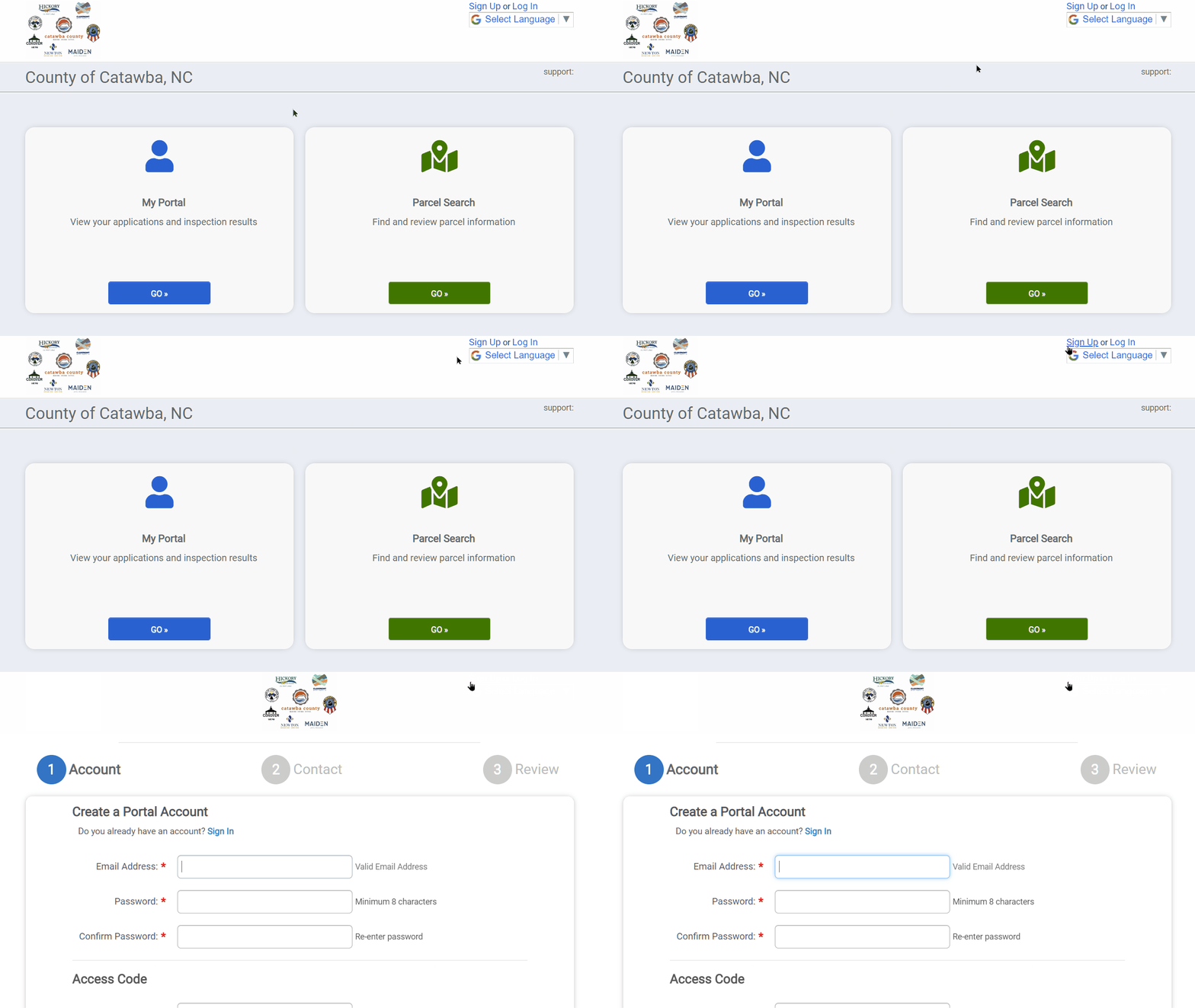
3. Enter in the required information. Make sure to enter your Access Code if you have been provided with one.
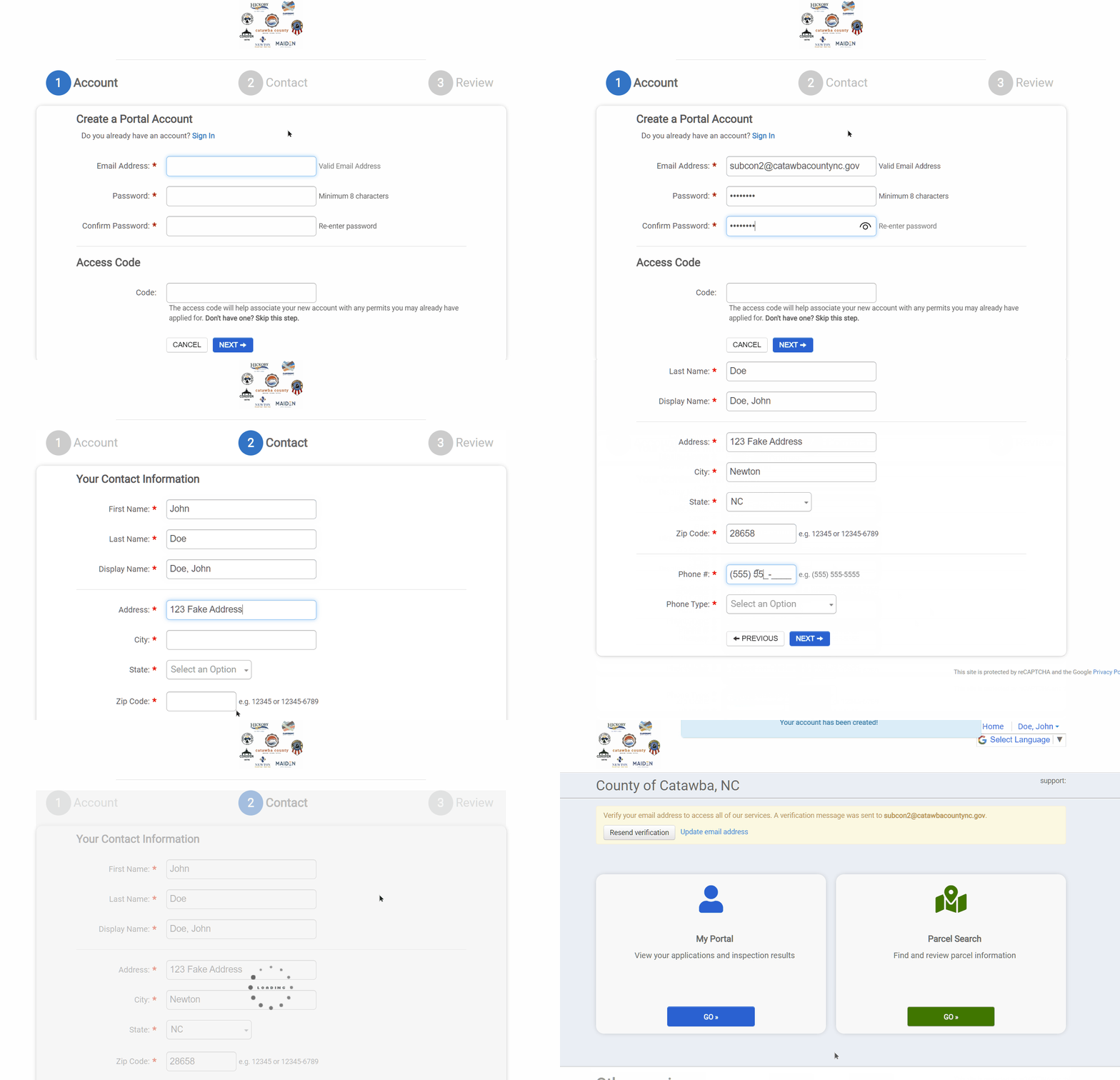
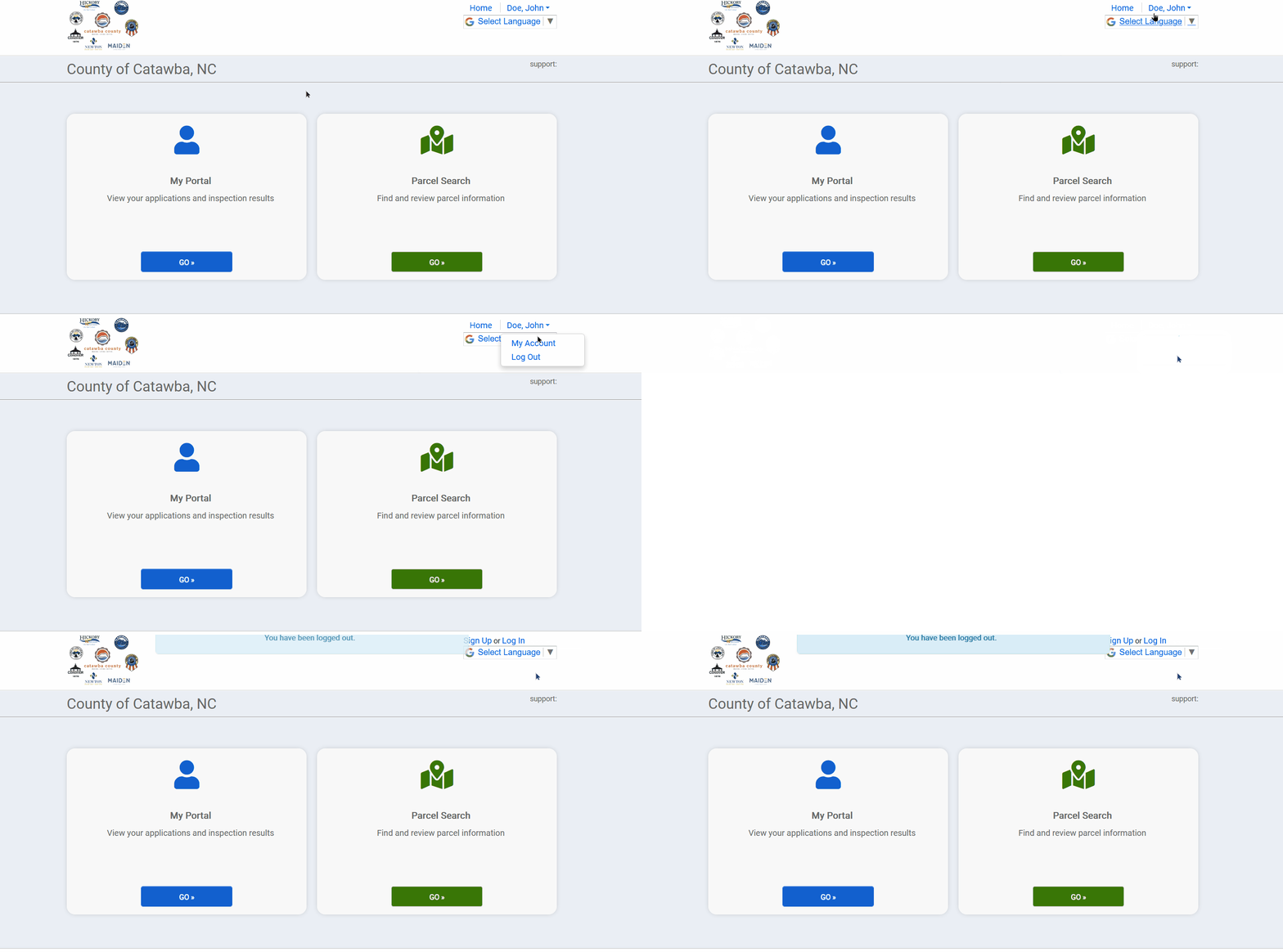
4. Click on your name in the top-right of the window and select Log Out from the dropdown.
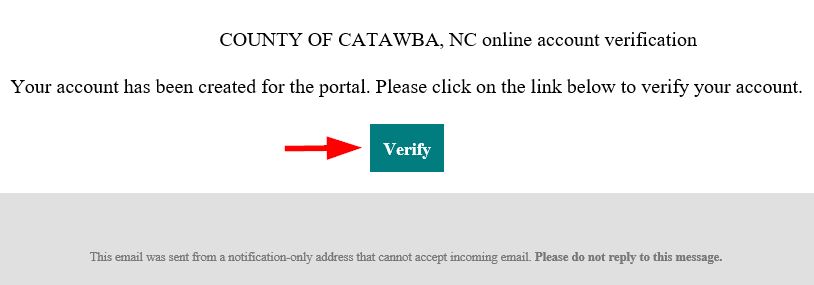
5. You will receive an account verification email.
6. Click on the Verify button in the email and log into your account to finish setting up your ePermits user account.
NOTE: If you received a message like the one below which states that you have an "Invalid verification link," you may safely IGNORE IT. There is a first-time login bug at this time which falsely displays messages about invalid verification links.
